> ## Documentation Index
> Fetch the complete documentation index at: https://docs.lancey.ai/llms.txt
> Use this file to discover all available pages before exploring further.
# Slack
> Set up Slack to trigger tasks directly and get notifications when tasks are completed.
## Setup
If you want notifications when a new task is created or PR is ready to merge, set up the Lancey Slack connector so you can manage the agents from within Slack.
Head to [Integrations](https://platform.lancey.ai/settings/integrations/slack.com) page
Click on the **Slack** connector
Complete the login flow that pops up in the Slack domain. Choose **the workspace** that you want to connect to Lancey.
Pick the **channel** you want Lancey to send notifications in. Typically this would be #engineering or #engineering-alert type of channel if you use something similar internally.
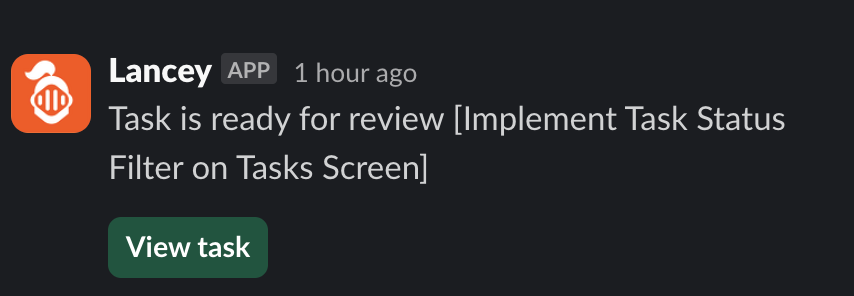 Once the connection is set up, you can also connect your personal account to recieve notifications directly from the Lancey bot instead of a channel.
Remember to have your [notification](https://platform.lancey.ai/settings/notifications) preferences enabled for Slack after you've completed the setup.
## Starting a task
You can assign Lancey to work on a task directly from Slack. Once the Slack connection is established, you can simply mention @Lancey within a thread.
Once the connection is set up, you can also connect your personal account to recieve notifications directly from the Lancey bot instead of a channel.
Remember to have your [notification](https://platform.lancey.ai/settings/notifications) preferences enabled for Slack after you've completed the setup.
## Starting a task
You can assign Lancey to work on a task directly from Slack. Once the Slack connection is established, you can simply mention @Lancey within a thread.
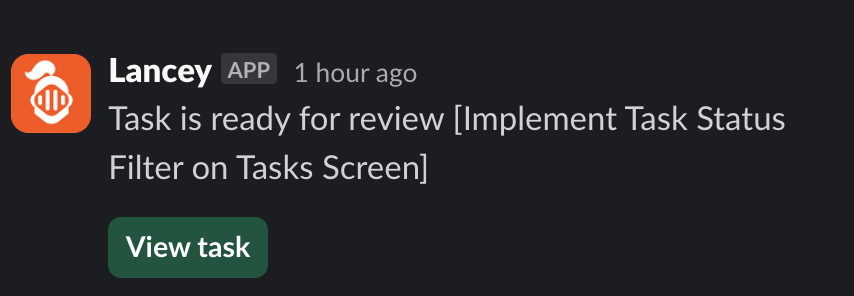 You can also mention @Lancey in comments of a thread if you want it to pick up a task.